
How to Set Up an Ergonomic Desk: A Simple Checklist
Written by the Movana editorial team · Clinically reviewed by Dr. Vinuta Harapanhalli, PT (September 16, 2026)

Ask ten people about ergonomics and you’ll hear about ten gadgets to buy. It’s worth gently pushing back on that. A comfortable desk isn’t about owning the perfect chair — it’s about arranging what you already have so your body isn’t working against the setup all day. This checklist covers the basics, and almost none of it costs anything.
The one principle that matters most
Before any specifics, here is the idea most worth remembering: the best posture is your next one. No single position, however “correct,” is meant to be held for hours. A good setup simply lowers the effort of sitting so that moving often feels easy. Aim for a neutral, relaxed base — then change it regularly. Everything below serves that goal.
The room-by-room checklist
1. Monitor — top of the screen at eye level
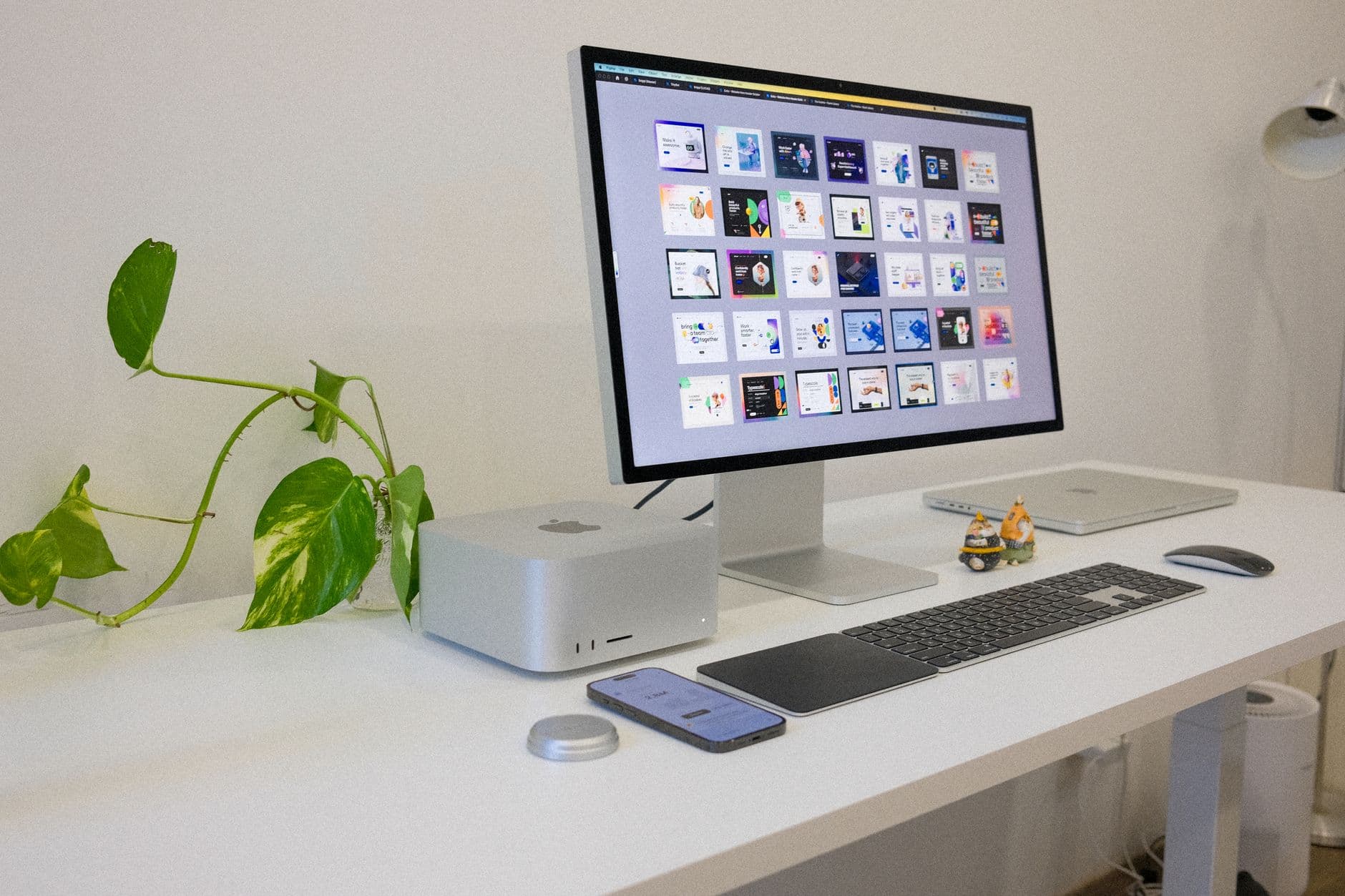
Your screen has the biggest say in how your neck feels. Set the top of the monitor at roughly eye level and about an arm’s length away, so your gaze drops slightly to the middle of the screen and your head can stay stacked over your shoulders rather than drifting forward. No monitor stand? A few books or a ream of paper underneath does the job perfectly. On a laptop, an external keyboard lets you raise the screen without hunching to type.
2. Chair — support the curve of your lower back
Sit back so the chair supports the natural curve of your lower back. If it doesn’t reach, a small cushion or rolled towel behind you works well. Set the height so your hips are level with — or just above — your knees, and your shoulders can rest down and relaxed rather than creeping up toward your ears.
3. Keyboard and mouse — elbows soft, wrists neutral
Keep the keyboard close enough that your elbows stay near your sides at roughly a right angle, with the shoulders relaxed. Wrists should float in a fairly straight line, not bent sharply up or down. The mouse sits right beside the keyboard so you aren’t reaching out to the side all day.
4. Feet — flat and supported
Your feet should rest flat on the floor. If raising the chair for your arms leaves them dangling, a footrest restores the support — and a sturdy box or a couple of books is a perfectly good stand-in.
5. Screen and lighting — easy on the eyes
Position the screen side-on to windows to cut glare, and keep it bright enough that you’re not leaning in to read. Tired eyes quietly pull the whole head forward, so comfortable lighting is part of comfortable posture. Every so often, look at something far away for twenty seconds to let the eyes — and the neck — rest.
6. Movement cues — build the breaks in
The final piece isn’t a thing to adjust; it’s a habit to build. Keep your water glass a short walk away, stand for phone calls, or set a quiet reminder to reset every 45 minutes. A great setup makes movement easy — your day makes it happen.
You don’t need to buy anything
Notice how much of that list is rearranging rather than purchasing: books under a monitor, a towel for back support, a box for your feet. Spend a little time getting the basics right before you reach for your wallet. If you later choose to invest in an adjustable chair or a sit-stand desk, wonderful — but they’re a bonus, not a requirement.
When to get a professional eye
A good setup is general-wellness common sense, not medical care. If you have ongoing pain, an existing injury, or symptoms like numbness, tingling or pain that travels down an arm or leg, see a doctor or physiotherapist who can assess you in person. For a workplace, a formal ergonomic assessment can tailor things to each person.
The bottom line
An ergonomic desk isn’t a shopping list — it’s a neutral, relaxed base that makes it easy to keep moving. Spend ten minutes today adjusting your screen, chair and feet, then let regular movement breaks do the rest.
Want the movement half handled for you? Our free 7-Day Desk Reset builds short, structured resets into your day — create a free account to begin, or check your Desk Wellness Index first to see where to focus.
Screen-Smart Foundations
Two weeks to build screen-smart posture habits early — easing tech-neck and tired wrists from phones, laptops and long study sessions.
3–11 min a day · Beginner–Moderate · 14 days
See the programMore on this topic: Desk posture and workstation setup — routines, programs and common questions in one place.
Not sure where to start? Take the free 2-minute Desk Wellness Index for a personalised starting point.